
How to Download Private Instagram Videos, Photos, and Reels in 2026? Master These 4 Easy Methods to Save Locally!
Want to download videos and photos you've previously uploaded to Instagram? Most online tools don't support downloading private videos. If you use a private account, downloading this content can be challenging. However, the Getvid video downloader meets this need. It's an all-in-one video download tool supporting over 2000+ platforms, allowing you to download high-quality videos. Want to save Instagram videos for offline viewing? Try Getvid! Simply install the browser extension to get started!


What is Instagram?
Instagram is one of the world’s largest social media platforms, attracting hundreds of millions of users who create fascinating videos, photos, stories, and short videos (Reels). You often come across amazing videos but struggle to save them. Trying various website tools might reveal they don’t work for downloads. While Instagram has a built-in share function, it doesn’t allow saving content locally. Using your phone’s screen recording mode is often time-consuming and inconvenient.
How to Download Videos from Private Instagram Accounts?
Downloading videos from private Instagram accounts differs from public videos. Public videos are viewable by everyone, so their URLs are accessible to all. Private videos also have a URL, but to obtain it, the viewer must have viewing permission. The four methods introduced in this article can help you indirectly or directly obtain these links, allowing you to easily download videos from private accounts.
Who Needs to Download Instagram Videos?
Downloading Instagram videos is a very common need. A Google search for Instagram downloader shows numerous pages of results. Top-ranked tools like SnapInsta and Fastdl have monthly traffic in the tens of millions, indicating high demand. Users with this need include, but are not limited to:
- Account Holders
- Account holders might need to re-download their content if their phone or computer is damaged or lost, and the original files are unavailable, but the content was previously uploaded to Instagram.
- Digital Marketers
- Many digital marketers download public videos from various social media platforms for use as marketing materials.
- Users Wanting to Preserve Memories of Friends or Family
- Examples include memories of deceased relatives, past moments with friends, or important life events.
What are the Challenges of Downloading Instagram Videos?
Changes in Video Delivery Method
Instagram stopped allowing developers to use its API to download videos and pictures several years ago. This caused many download tools to suddenly become ineffective. Instagram now uses the DASH format for video delivery. To learn more about the DASH format, you can read What is MPEG-DASH? | HLS vs. DASH, which explains modern mainstream delivery methods like HLS and DASH.
Restrictions of Private Accounts
Downloading public videos is straightforward, and many tools available today can handle it easily. However, many users set their accounts to private, which prevents most online tools from downloading their content. Why? The simple reason is that these tools require your login credentials. Users are often concerned about privacy and security and are reluctant to provide this information to third-party tools, leading to the inability to download.

Supports 2000+ Websites
One-Click Download to Folder
Auto Naming
Download Methods
Method 1: Using Getvid - Professional Video Downloader Extension
Pros
Supports downloading private account videos (requires viewing permission)
Supports downloading photos, Reels, Stories
Supports separating video or audio
Google-reviewed secure software
Supports platforms other than Instagram
Cons
Only usable on computers
Steps
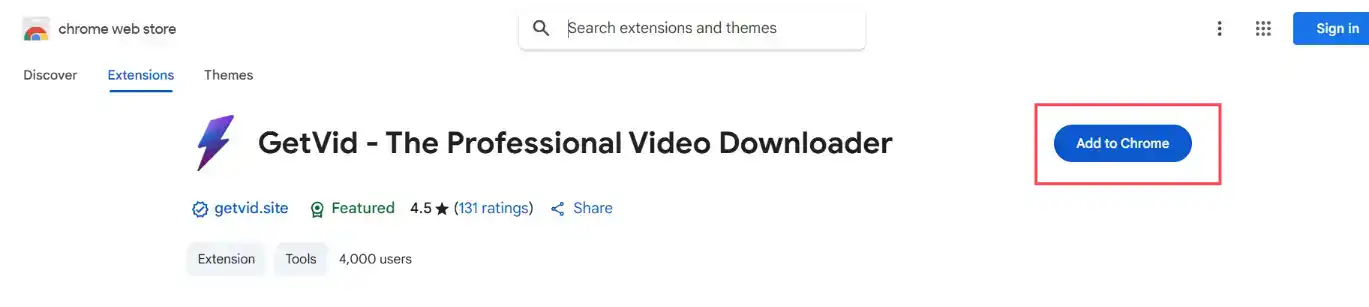
First, go to the store page. Depending on your browser, we recommend using Chrome or Edge as they offer more features, such as downloading to specific folders, recording capabilities, and support for larger file sizes. Firefox offers higher performance. After entering the store, click to install the extension to your browser.
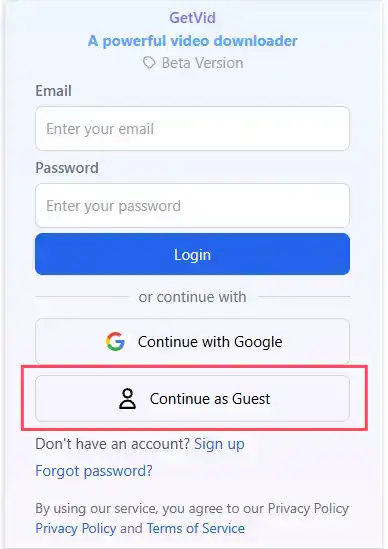
After successful installation, click the extension icon in the toolbar, then enter Guest Mode. (PS: Guest Mode allows free downloads of videos from Facebook, Instagram, Tiktok, and Reddit).
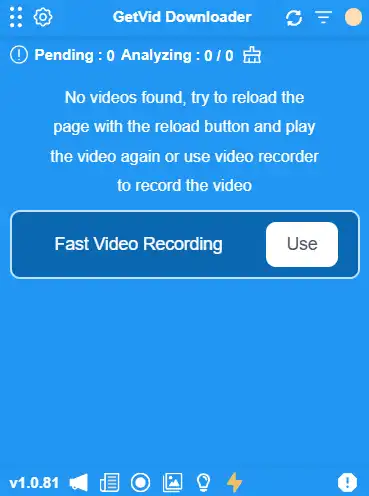
After entering Guest Mode, you will see a blue area appear in the lower right corner. This is Getvid’s floating element. All analyzed and downloadable videos will appear here.
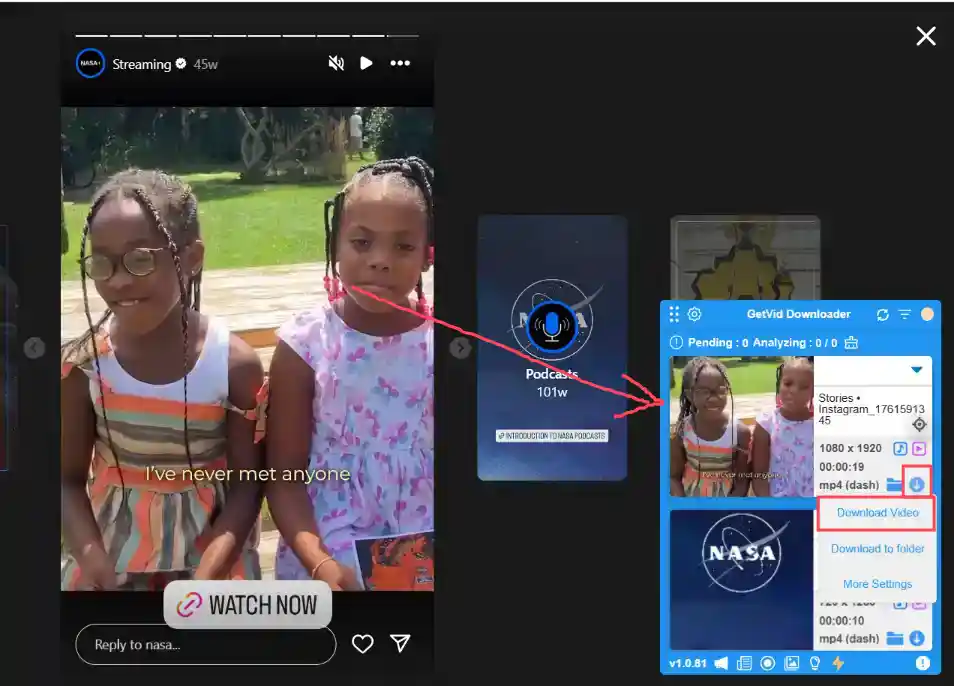
Then, directly navigate to the URL of the Instagram video you want to download. Getvid will automatically detect downloadable video content on the page and display it in the Getvid floating element. Click the download button and select the destination to download quickly.
Want to download photos? No problem! Getvid also supports downloading images. Simply click the image mode icon, then move your mouse over the image you want to download and left-click.
HintYou can also add custom save paths. Downloaded images can then be quickly saved to your specified folder - very convenient!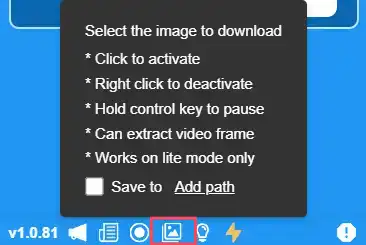
Method 2: Using Turbo Downloader for Instagram
Install Link (Chrome)Pros
Supports downloading private account videos (requires viewing permission)
Supports batch downloading of photos and videos
Google-reviewed secure software
Cons
Only usable on computers
Uses official internal APIs, which may carry a risk of account restriction
Testing showed inability to download certain Reels
Steps
Go to the Turbo Downloader for Instagram store page and click to install it to your browser.
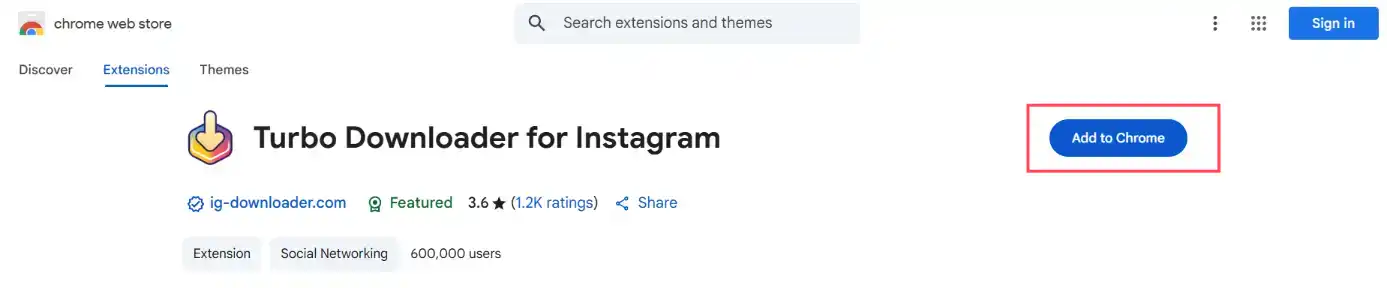
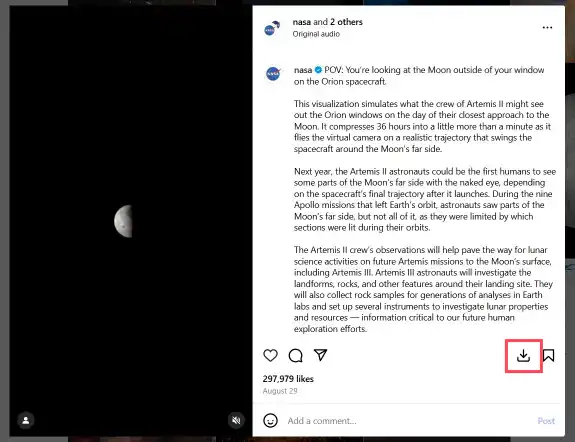
After successful installation, go directly to the URL of the Instagram video you want to download. The extension will automatically display download buttons on all downloadable videos. Just click to download directly.
- Single Media Download
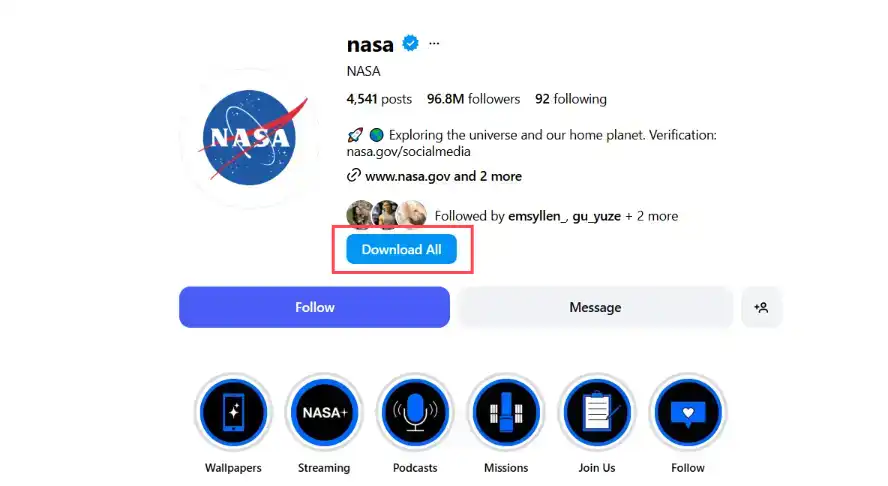
- Batch Download from Profile
- Download Single Story
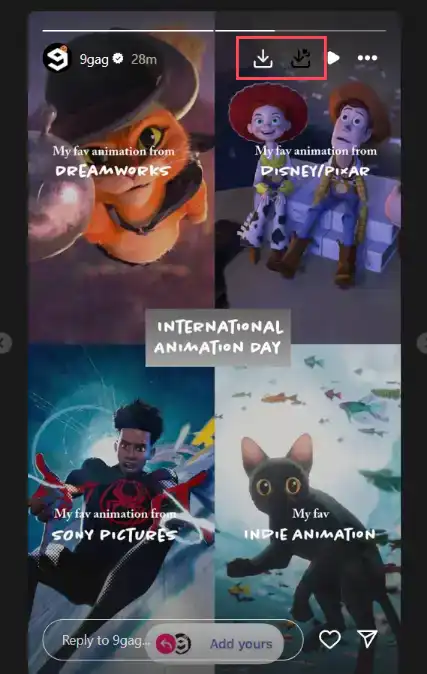
Method 3: Using Exta: Pro downloader for Instagram
Install Link (Chrome)Pros
Supports downloading private account videos (requires viewing permission)
Supports downloading photos, Reels, Stories
Google-reviewed secure software
Cons
Only usable on computers
Uses official internal APIs, which may carry a risk of account restriction
Steps
Go to the Exta: Pro downloader for Instagram store page and click to install it to your browser.
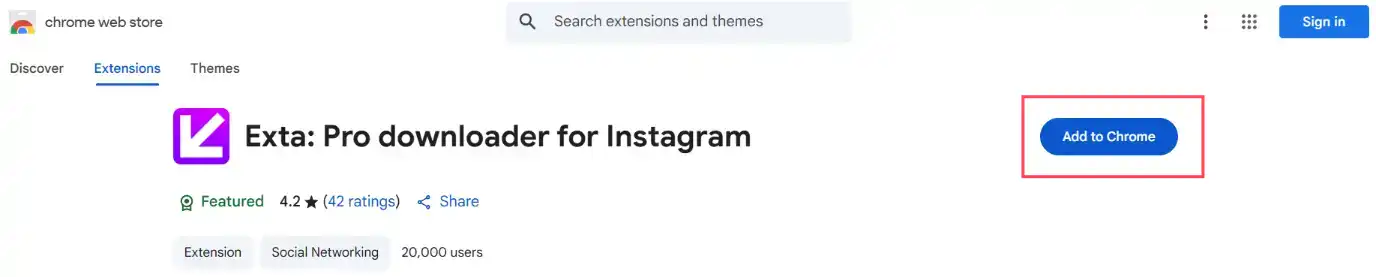
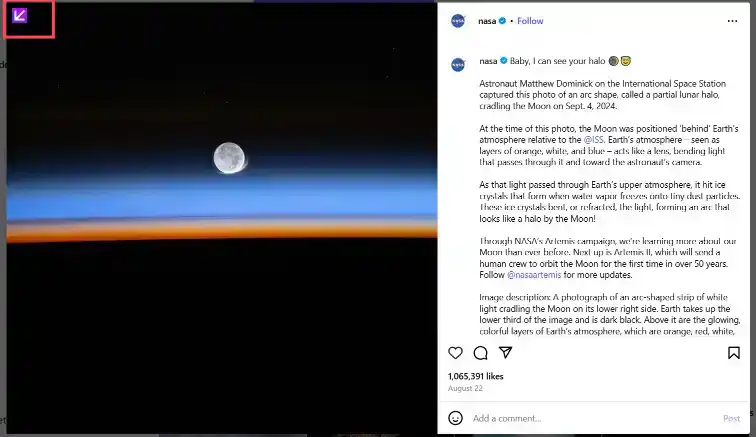
After successful installation, go directly to the URL of the Instagram video you want to download. The extension will automatically display download buttons on all downloadable videos. Just click to download directly.
- Single Media Download
- Download Single Story
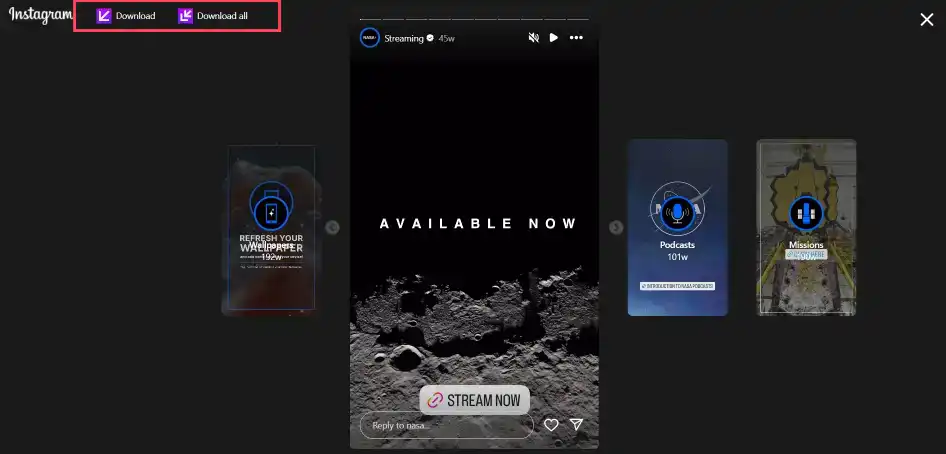
- Download Reels
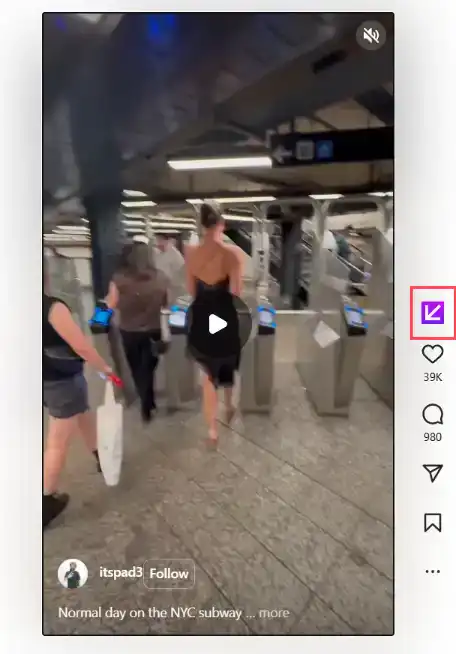
Method 4: Using Web Tool Snapinsta - Private Instagram Downloader
Exercise caution when using web-based tools as their security cannot be verified.
Pros
Supports downloading private account videos (requires viewing permission)
Supports downloading photos, Reels, Stories
Cons
Requires manual URL copying
Potential risk of personal data leakage
Steps
Go to Snapinsta - Private Instagram Downloader and paste the URL of the media you want to download into the first line. Then press Enter.
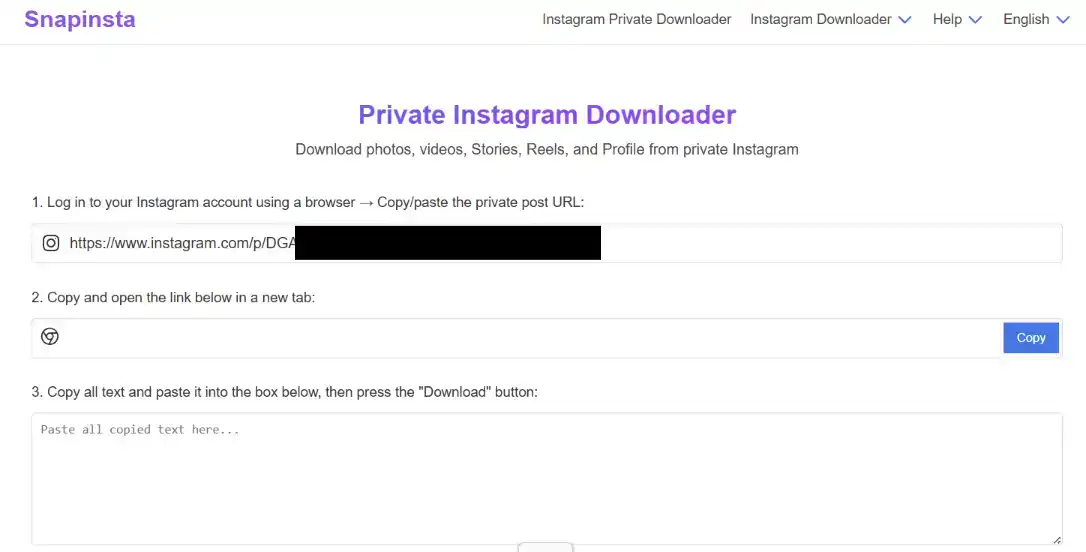
After analysis, the second line will display a URL that you need to copy and open in a new browser tab. Copy it and open it.
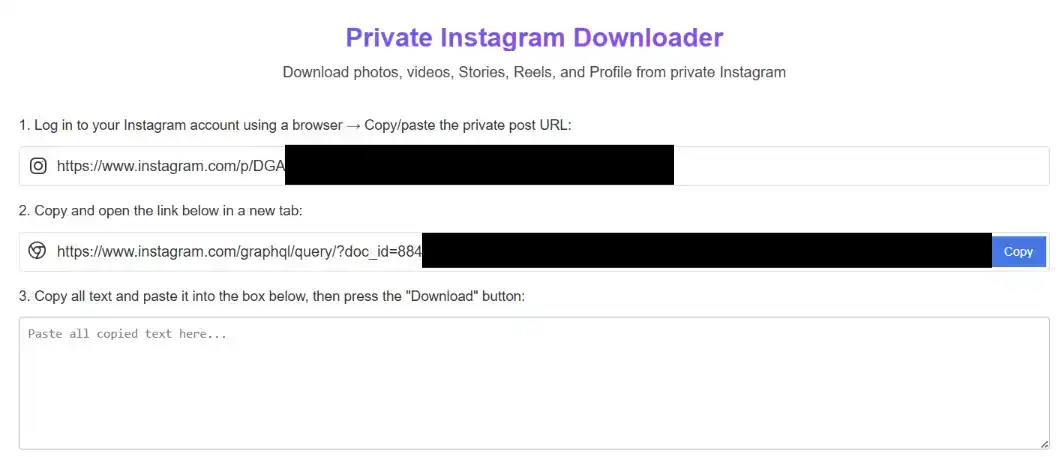
After navigating to the URL from step 2 in a new tab, you will get a large block of text. Copy it, paste it into the third line input box, and click Download.
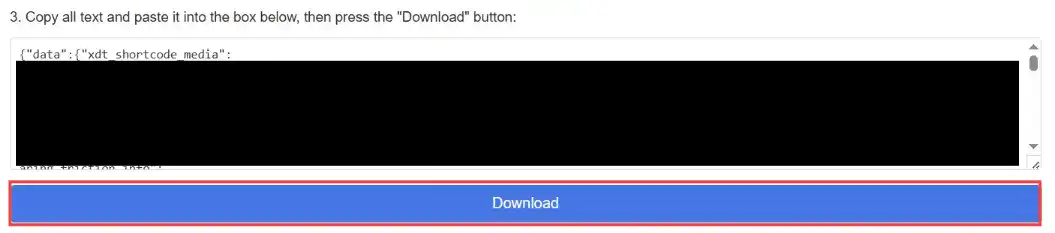
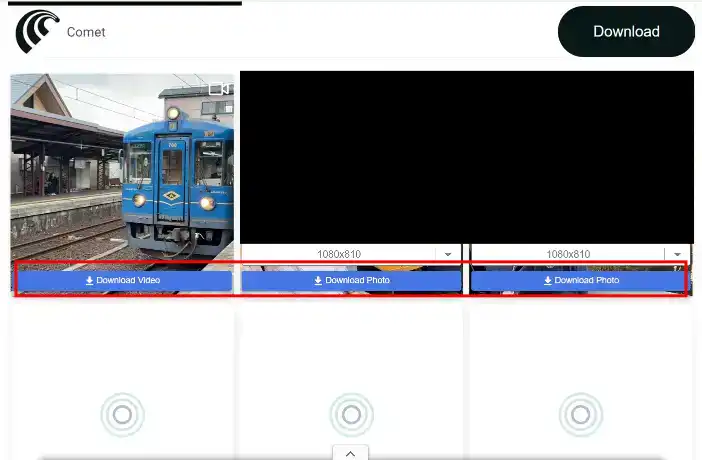
Wait for the result. Upon success, the relevant posts and videos will be displayed. Choose the appropriate resolution to download.
Conclusion
All four methods introduced in this article allow you to download private videos from Instagram. Each has its own advantages and disadvantages, so you can choose the one that best suits your needs. Web users should prioritize using browser extensions, while mobile users can opt for web-based tools, keeping privacy concerns in mind.
The best choice remains the Getvid downloader extension. Besides supporting Instagram, it also allows downloading videos from platforms like Facebook and Tiktok. It further supports downloading HLS and DASH streaming video files, video recording, and image downloads. It is currently the only comprehensive, all-in-one download tool available.
Supports 2000+ Websites
One-Click Download to Folder
Auto Naming